
Mobile Apps for Home Improvement: Your 2026 Guide
TL;DR:
- Mobile apps have become essential tools for homeowners to plan, measure, hire, and manage home renovations efficiently.
- Using specialized, modular apps improves accuracy, reduces costs, and streamlines each project phase.
Mobile apps are defined as the primary digital tools homeowners use to plan, measure, hire, and manage home renovation projects from a single device. The role of mobile apps in home improvement has grown from a convenience into a core part of how renovations get done. Over 60% of homeowners are expected to use apps for design visualization and project management by 2026. That number reflects a fundamental shift in how people approach everything from a bathroom remodel to a full kitchen gut. Technologies like augmented reality, AI cost estimation, and LiDAR measurement have moved from professional job sites into your pocket. The result is faster decisions, fewer costly mistakes, and better communication with the contractors you hire.
How do mobile apps change home improvement projects?
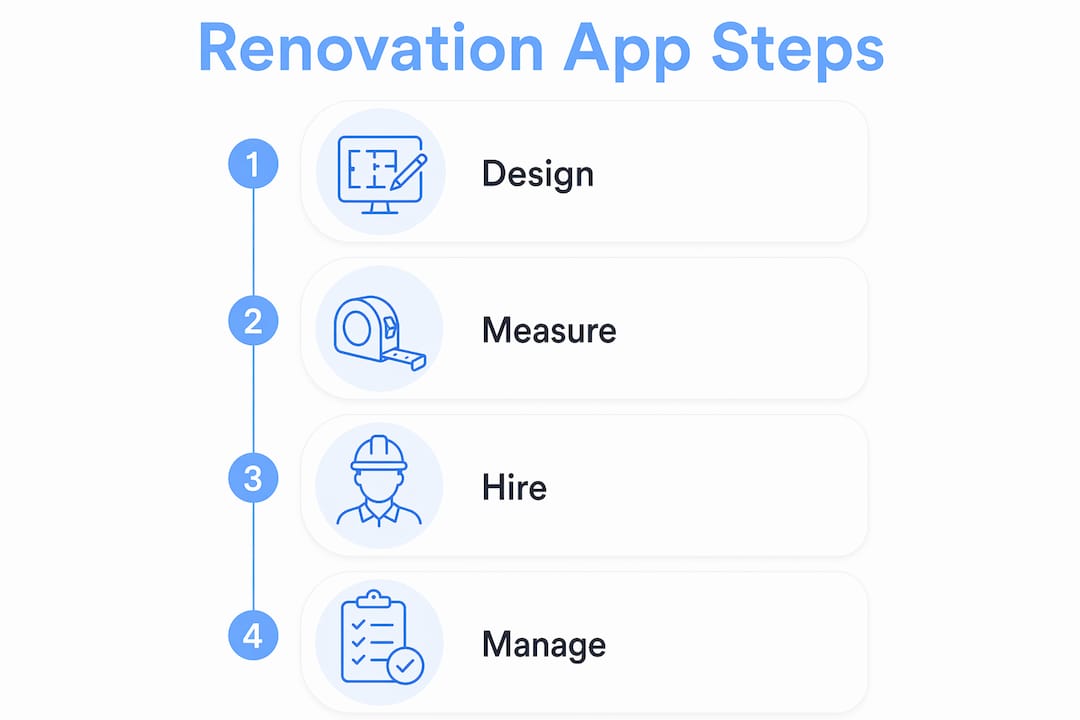
The role of mobile apps in home improvement covers four distinct functions: design visualization, precision measurement, contractor hiring, and project management. Each function addresses a specific point where renovation projects break down. Poor planning leads to design regret. Inaccurate measurements cause rework. Hiring the wrong contractor wastes money. Disorganized communication delays timelines. Apps built for home renovation target each of these failure points directly.
The home improvement sector is shifting from product-focused to project-focused digital solutions. That means apps no longer just help you find a paint color. They now guide you through an entire renovation phase, from the first sketch to the final invoice. This shift matters because it changes what you should expect from any app you download. The best tools today are built around your project type, not just a single product category.
A modular approach works best. You use one app for design, a separate app for measurement, another for hiring, and a project management tool to tie it all together. This is not about collecting apps for the sake of it. Each specialized tool does one job well, and the combination covers your entire project without the gaps that come with a single all-in-one solution.
How apps help with design visualization and planning
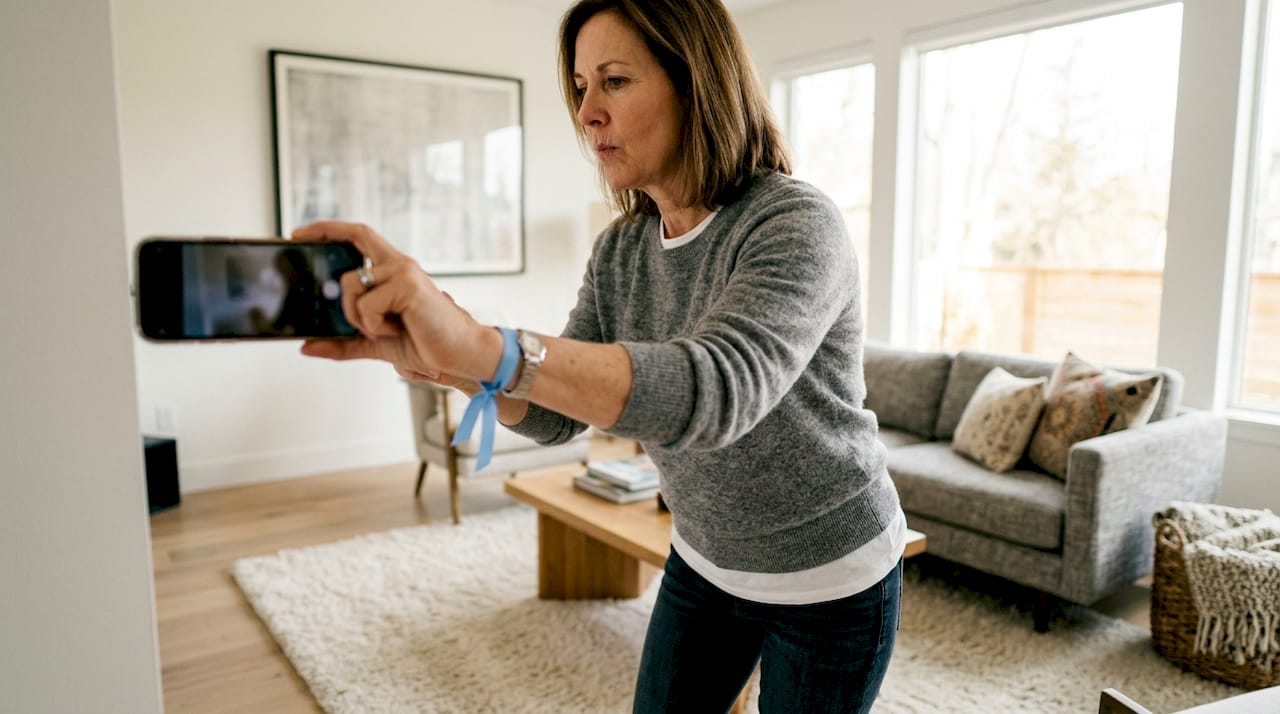
Design visualization apps let you see a finished room before a single wall gets touched. AR and AI technologies are the core features driving this capability, giving homeowners real-time previews of colors, furniture placement, and layout changes through their phone camera. You point your phone at a wall, select a paint color, and see the result instantly. That eliminates the guesswork that leads to expensive repaints.
The most useful features in current design and planning apps include:
- AR room preview: Overlay new flooring, wall colors, or furniture onto a live camera view of your actual space.
- AI cost estimation: Generate rough material and labor budgets from a photo or a text description of your project.
- Floor plan generation: Create accurate floor plans from a quick sketch or a series of photos.
- 3D room modeling: Build a three-dimensional model of a room to test layout options before buying anything.
- Material lists: Get an auto-generated list of materials based on your design choices and room dimensions.
AI cost estimation deserves special attention. AI-assisted apps provide renovation ideas and cost estimates but require professional validation before any physical work or purchase. An AI estimate gives you a useful starting range, not a final number. Use it to set a budget ceiling and identify where costs might spike, then confirm the figures with a licensed contractor before committing.
Design apps also improve contractor communication. When you arrive at a consultation with a 3D model and a preliminary material list, the conversation becomes specific and productive. Contractors spend less time interpreting vague descriptions and more time giving you accurate bids. That saves time on both sides and reduces the chance of scope misunderstandings later.
Pro Tip: Before downloading any design app, check whether it supports your specific project type. A flooring app will not help you plan a kitchen cabinet layout. Match the app to the phase and scope of your renovation.
What measurement apps do that design apps cannot
Measurement apps and design apps solve different problems. Design apps help you decide what you want. Measurement apps confirm whether what you want will actually fit. Confusing the two categories is one of the most common mistakes homeowners make when building their app toolkit.
LiDAR and camera-based apps capture room dimensions and generate as-built drawings with a level of accuracy that a tape measure and a notepad cannot match. LiDAR, which stands for Light Detection and Ranging, uses laser pulses to map a space in three dimensions. iPhones with a Pro camera and newer iPad models carry a built-in LiDAR scanner. Apps that use this sensor can produce room scans accurate enough to share directly with contractors or use for permit drawings.
Common measurement tools built into renovation apps include:
- Digital tape measure: Uses the phone camera to measure distances between two points without physical contact.
- Bubble level: Confirms whether a surface is perfectly horizontal or vertical using the phone’s gyroscope.
- Protractor: Measures angles for trim work, stair railings, and custom cabinetry.
- 3D room scanner: Creates a full spatial model of a room, including ceiling height and window placement.
- Area and volume calculator: Computes square footage and cubic footage from scanned dimensions for material ordering.
Measurement errors are one of the leading causes of rework on renovation projects. A cabinet ordered half an inch too wide, a tile order short by two boxes, a countertop cut to the wrong depth. Each of these mistakes costs money and time. Apps that capture dimensions digitally and store them in a shareable file reduce these errors significantly. You can also send the scan file directly to a supplier or fabricator, cutting out a round of manual data entry.
Pro Tip: Use a LiDAR-based scanning app to capture your room dimensions before any contractor visits. Share the file at the first meeting. You will get more accurate bids and avoid the back-and-forth that comes from contractors measuring the same space multiple times.
For homeowners planning a kitchen or bathroom renovation, pairing a measurement app with a design app is particularly effective. You can read more about this combined approach in this AR and LiDAR renovation guide for practical examples.
How do mobile apps help you find and hire contractors?
Finding a reliable contractor has historically been one of the most stressful parts of any home renovation. Mobile apps have changed that process significantly. By mid-2026, 71% of U.S. homeowners prefer on-demand home service apps over traditional hiring methods. That preference is driven by specific features that reduce uncertainty and speed up the process.
The features that matter most when hiring through a mobile platform include:
- Instant scheduling: Book a contractor or request bids without phone calls or waiting for callbacks.
- GPS tracking: See when a technician is en route and get real-time arrival estimates.
- In-app payments: Pay securely through the platform without handling cash or writing checks.
- Automated reminders: Receive notifications for upcoming appointments, payment due dates, and project milestones.
- Verified credentials: View license numbers, insurance certificates, and past project reviews before hiring.
Digital features like instant booking and transparent pricing are now a major factor in how homeowners choose between contractors. A contractor with a strong digital presence, fast response times, and clear pricing wins work over equally skilled competitors who are harder to reach. That means the app you use to hire also influences the quality of contractor you attract to your project.
Real-time GPS tracking, centralized communication, and in-app payments reduce the uncertainty that makes hiring feel risky. You know where your contractor is, what was agreed to, and what you paid. That paper trail protects both parties and makes disputes easier to resolve.
Bidwolf is built around exactly this model. Homeowners post a project, receive competitive bids from vetted local contractors, and manage the entire process through a single platform. The built-in messaging, verified contractor profiles, and secure payment system address the specific pain points that make traditional hiring unreliable. You can learn more about managing multiple renovation bids efficiently through Bidwolf’s approach.
| Feature | Benefit to homeowner |
|---|---|
| Instant scheduling | No phone tag; book or request bids in minutes |
| GPS tracking | Know exactly when your contractor arrives |
| In-app payments | Secure, documented transactions with no cash handling |
| Automated reminders | Stay on schedule without manual follow-up |
| Verified credentials | Hire with confidence based on licenses and reviews |
How do project management apps handle complex renovations?
A multi-phase renovation is not a single task. It is a sequence of decisions, purchases, contractor visits, inspections, and adjustments that can span weeks or months. Project management apps built for homeowners treat renovation as a workflow, not a shopping list.
The shift from product-focused to project-focused app models means these tools now organize your renovation by phase. You track demolition separately from framing, plumbing, and finish work. Each phase has its own task list, budget line, and communication thread. That structure prevents the common problem of losing track of what was agreed, what was paid, and what still needs to happen.
A practical app stack for a full kitchen renovation looks like this:
- Design phase: Use an AR-based interior design app to finalize the layout, cabinet style, and color palette. Generate a preliminary material list and AI cost estimate.
- Measurement phase: Run a LiDAR scan of the kitchen to capture exact dimensions. Share the file with your cabinet supplier and countertop fabricator.
- Hiring phase: Post the project on a contractor platform like Bidwolf. Compare bids, review credentials, and select your contractor through the app.
- Execution phase: Use a project management app to track task completion, log change orders, and monitor budget versus actual spend.
- Smart home integration: If the renovation includes new appliances or lighting, use a smart home app to configure and automate the new systems before the contractor leaves.
Budget monitoring is one of the most valuable functions in this phase. Material prices fluctuate, and labor shortages can push costs up mid-project. An app that tracks your budget in real time lets you see overruns as they happen, not after the fact. You can make adjustments before a small overage becomes a major problem.
Customer retention in home services is strongly linked to convenience features like automated reminders and real-time tracking. That finding applies equally to homeowners managing their own projects. When your app sends you a reminder that a material delivery is due or that a contractor visit is scheduled, you stay ahead of the project instead of reacting to it.
The project management guide for homeowners on the Bidwolf blog covers this phase-by-phase approach in detail, including how to handle change orders and keep contractors accountable.
Key takeaways
Mobile apps are the most practical tools available to homeowners for reducing cost, improving accuracy, and managing complexity across every phase of a renovation project.
| Point | Details |
|---|---|
| Use a modular app stack | Separate apps for design, measurement, hiring, and management outperform any single all-in-one tool. |
| Verify AI estimates | AI cost estimates set useful budget ranges but require professional confirmation before purchasing or starting work. |
| LiDAR improves accuracy | Camera-based and LiDAR scanning apps reduce measurement errors that cause costly rework. |
| Digital hiring reduces risk | Platforms with verified credentials, in-app payments, and GPS tracking make contractor hiring more transparent and reliable. |
| Track budget in real time | Project management apps that monitor spend by phase catch overruns early, before they compound. |
Why I think most homeowners are using apps wrong
Most homeowners download one app and expect it to cover everything. That approach almost always leads to frustration. The app does some things well and others poorly, and the homeowner concludes that apps are not that useful for renovation. The real problem is not the app. It is the expectation.
The modular approach changes the outcome entirely. When you use a dedicated design app for visualization, a separate LiDAR tool for measurement, a contractor platform for hiring, and a project tracker for execution, each tool performs at its best. The combination is genuinely powerful. I have seen homeowners walk into contractor meetings with a 3D room scan, a preliminary material list, and a budget range already in hand. Those conversations are faster, more specific, and result in better bids.
The other mistake I see regularly is treating AI estimates as final numbers. AI is a pre-screening tool. It tells you whether a project is in the $10,000 range or the $50,000 range. That is valuable information. But the moment you start ordering materials or signing contracts based on an AI estimate alone, you are taking on real financial risk. Always get a licensed professional to confirm the numbers.
The trend I am watching most closely is smart home integration at the end of a renovation. Homeowners who plan for smart lighting, thermostats, and appliance automation during the design phase, rather than after the fact, get a much cleaner result. Apps that connect design planning with smart home configuration are still early, but the direction is clear. The best renovation app stacks in 2026 will include a smart home layer from day one.
Digital quality also matters more than most homeowners realize. When you post a project on a platform like Bidwolf with clear photos, accurate dimensions from your measurement app, and a well-defined scope, you attract better contractors. Vague project descriptions attract guesswork bids. Specific, well-documented projects attract professionals who know exactly what the job requires.
— Devin
Bidwolf connects your app-driven planning to real contractors
You have done the planning. You have the design, the measurements, and a budget range. The next step is finding a contractor who can execute it. Bidwolf is built for exactly that moment.
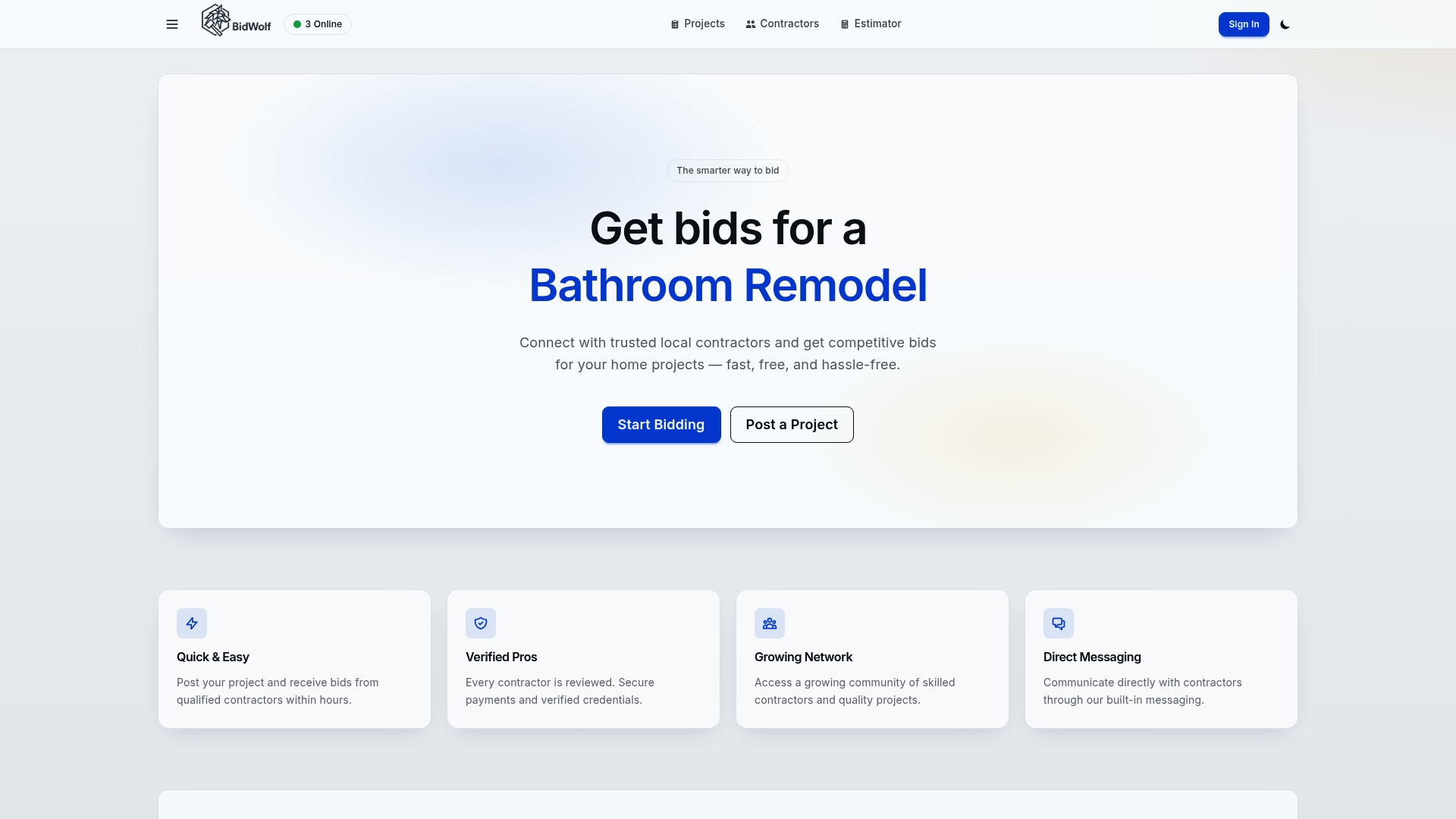
Bidwolf connects homeowners with vetted, license-verified local contractors across Texas. You post your project with your specs, receive competitive bids, compare credentials, and communicate directly through the platform. Secure payments, built-in messaging, and verified contractor profiles give you the transparency that traditional hiring methods cannot. Whether you are managing a bathroom remodel, a roofing job, or a full kitchen renovation, Bidwolf puts qualified professionals in front of you fast. You can also find local contractors by trade and location to match your specific project needs.
FAQ
What is the role of mobile apps in home improvement?
Mobile apps serve as digital tools for design visualization, accurate measurement, contractor hiring, and project management across every renovation phase. They reduce errors, improve planning, and give homeowners real-time control over their projects.
Are AI cost estimates from home improvement apps reliable?
AI estimates provide a useful budget range but are not final figures. AI-powered apps should always be supplemented by professional verification before purchasing materials or signing contracts.
What is a modular app approach for home renovation?
A modular app approach means using specialized apps for each project phase: one for design, one for measurement, one for hiring, and one for project tracking. This approach outperforms all-in-one tools for most homeowners.
How do contractor hiring apps reduce risk for homeowners?
Platforms with verified credentials, GPS tracking, in-app payments, and automated reminders remove the uncertainty from hiring. These features build trust and create a documented record of every transaction and communication.
What phone features make the best home improvement apps work?
LiDAR sensors, high-resolution cameras, and gyroscopes are the hardware features that power the best measurement and design apps. Newer iPhone Pro models and select iPad models carry built-in LiDAR, which enables the most accurate room scanning currently available on a consumer device.