
How mobile apps empower Texas homeowners and contractors
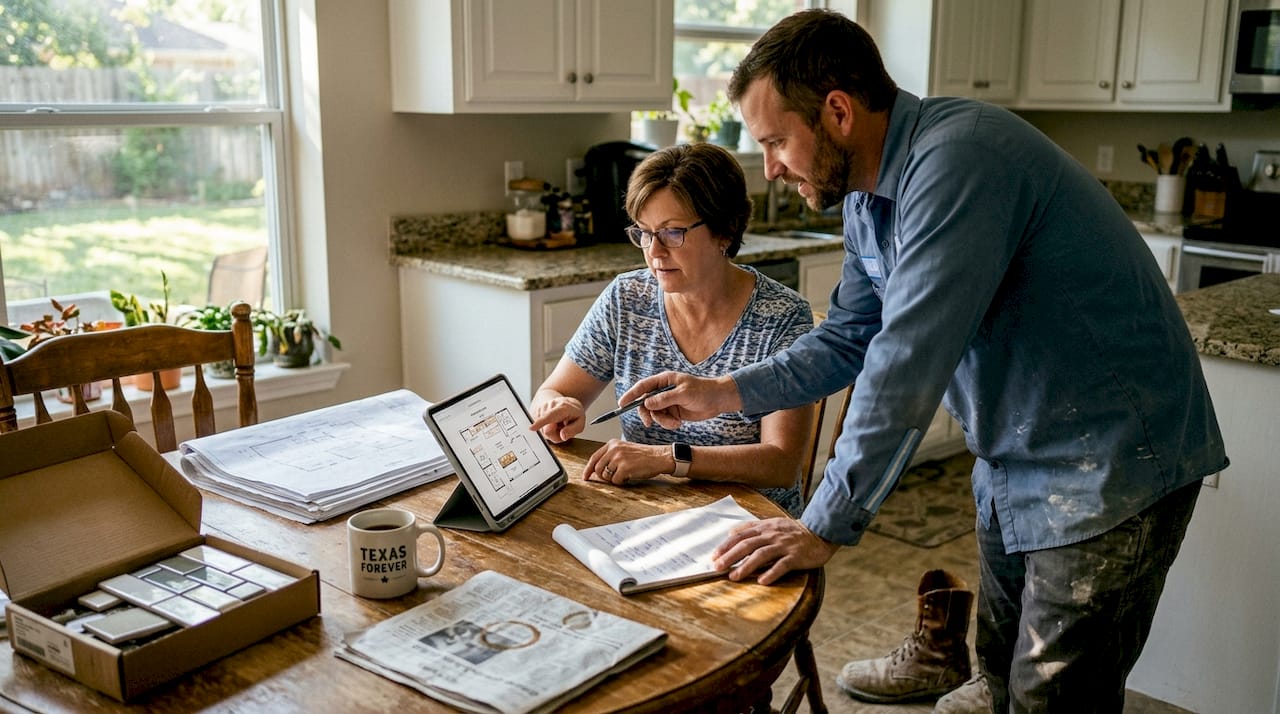
Renovation projects in Texas don’t have to mean missed calls, lost paperwork, and wondering what your contractor did last Tuesday. That chaotic experience is common, but it’s no longer inevitable. Mobile apps built specifically for home improvement have changed how homeowners and contractors communicate, track progress, and handle payments. Whether you’re planning a bathroom remodel in Austin or a roofing job in Houston, these tools put real-time information directly in your hands. This article walks through exactly how these apps work, what they deliver in measurable results, and what to watch out for before you commit to one.
Table of Contents
- The transformation: from phone tags to real-time collaboration
- Core features that streamline contractor-homeowner projects
- The real-world impact: time, cost, and error reduction
- Cautions, limitations, and Texas-specific nuances
- The smarter path: match your process to your project
- Connect with the right contractor and tools for your Texas project
- Frequently asked questions
Key Takeaways
| Point | Details |
|---|---|
| Greater homeowner control | Mobile apps transfer leverage and visibility to homeowners during renovations. |
| Significant time and cost savings | Apps drastically cut inspection, reporting, and paperwork overhead for all parties. |
| Better communication and records | Digital logs enhance dispute resolution and reduce misunderstandings between contractors and homeowners. |
| Consider contractor readiness | Check if your contractor is comfortable using apps to avoid delays or confusion. |
The transformation: from phone tags to real-time collaboration
Picture the old way. You hire a contractor, sign a paper contract, and then wait. You call to check on progress and get voicemail. You text and receive a reply two days later. Invoices arrive by mail, change orders get scribbled on napkins, and by the time the project wraps up, you’re not entirely sure what you paid for or when each task was completed. This pattern is frustratingly common across Texas renovation projects, especially for larger jobs involving multiple trades.
The core problem isn’t that contractors are unreliable. It’s that traditional communication methods create gaps. Phone calls don’t leave a record. Emails get buried. Paper documents get lost on job sites. When something goes wrong, there’s no clear trail to follow, and both sides end up pointing fingers.
Mobile apps built for construction and home improvement directly address these gaps. Instead of fragmented communication across texts, calls, and emails, everything lives in one place. Homeowners log into a project portal and see exactly what’s been done, what’s scheduled next, and what decisions need their approval. Contractors update task status from the job site in real time. Photos get uploaded with timestamps. Payments are requested and approved through the app, creating a clear financial record.
Here’s what outdated methods cause, and what apps replace them with:
- Missed messages replaced by in-app messaging logs with full conversation history
- Unclear task status replaced by live task boards showing what’s complete, in progress, or pending
- Disputed invoices replaced by itemized digital payment requests tied to completed work
- No photo documentation replaced by timestamped photo uploads organized by project phase
- Lost change orders replaced by digital change order requests requiring homeowner approval before work proceeds
- No payment control replaced by milestone-based payment release tied to verified task completion
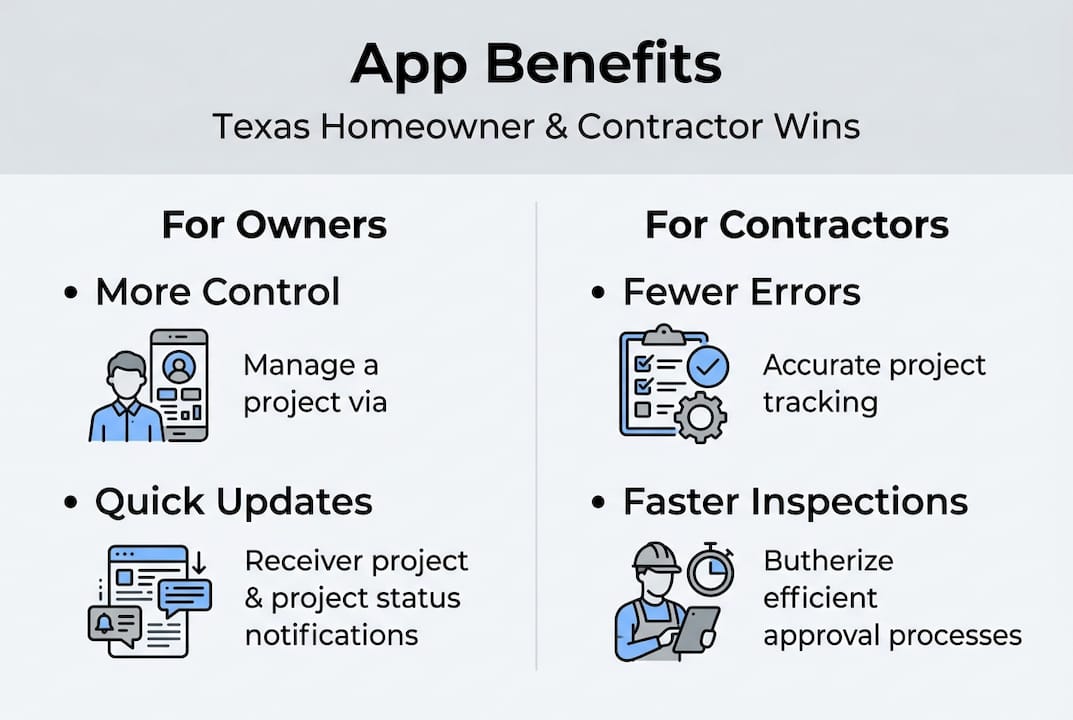
Key apps like Houzz Pro, Contractor+, JobTread, and AllBetter provide homeowner portals for real-time updates, task assignment, selections, messaging, and controlled payments, shifting leverage to homeowners during renovations.
This shift matters. When you can find local contractors who already use these platforms, you start the project with a shared system rather than building one from scratch. That foundation alone reduces early-stage confusion significantly.
Core features that streamline contractor-homeowner projects
With the basics covered, it’s time to look at exactly what these apps are equipped to do. The feature sets vary by platform, but the most effective tools for Texas homeowners share a consistent set of capabilities.
| Feature | What it does | Why it matters |
|---|---|---|
| AI-powered estimating | Generates cost estimates based on project scope | Reduces guesswork and sets realistic budgets |
| Photo documentation | Uploads timestamped, GPS-tagged job site photos | Creates a visual record of every project phase |
| In-app messaging | Centralizes all communication in one thread | Eliminates lost texts and missed calls |
| Time and labor tracking | Logs hours worked per task and per worker | Supports accurate invoicing and payroll |
| Payment management | Handles invoicing, approvals, and milestone releases | Gives homeowners control over when funds are released |
Contractor+ includes AI-powered estimating, 3D scanning for measurements, offline mode, photo documentation with GPS, time tracking, invoicing, and integrations with QuickBooks and Home Depot for material pricing, making it one of the more complete options for Texas projects.
For a typical renovation project, here’s how the workflow looks when you use one of these platforms:
- Upload your project plans and scope. You or your contractor enters the project details, square footage, and materials needed. The app generates an initial estimate.
- Assign tasks and set milestones. The contractor breaks the project into phases and assigns tasks to their crew. Each task has a due date and a responsible party.
- Communicate through the app. All questions, updates, and decisions happen inside the platform. Nothing gets lost in a text thread.
- Approve changes digitally. When the contractor needs to modify the scope or cost, they submit a change order through the app. You approve or decline before any work proceeds.
- Track progress in real time. You log in and see which tasks are complete, which are in progress, and what’s coming next. Photos confirm the work.
- Release payments by milestone. When a phase is complete and verified, you approve the payment. Funds release through the app’s secure payment system.
Pro Tip: Look for apps that integrate with Home Depot or QuickBooks. These integrations pull current material pricing for Texas markets, which helps your contractor build more accurate estimates and reduces the chance of surprise cost increases mid-project. You can also cross-reference estimates using a project cost estimator before you even reach out to contractors.
The real-world impact: time, cost, and error reduction
Detailed features are helpful, but what do these apps actually achieve in practice? The numbers tell a clear story.
| Metric | Traditional method | With mobile app |
|---|---|---|
| Inspection time per visit | 20+ minutes | 5 to 10 minutes |
| Daily progress report | 30 to 60 minutes | Under 5 minutes |
| Payroll reconciliation | 6 hours per week | 45 minutes per week |
| Rework rate | Industry baseline | Reduced by 16 to 40% |
| Printing and paper costs | Ongoing expense | Significantly reduced |
Field apps reduce inspection time from over 20 minutes to 5 to 10 minutes per visit, cut daily reports from 30 to 60 minutes down to under 5 minutes, reduce rework rates by 16 to 40%, and bring payroll reconciliation from 6 hours per week down to 45 minutes per week. These aren’t minor conveniences. They represent real savings in time and money on your project.
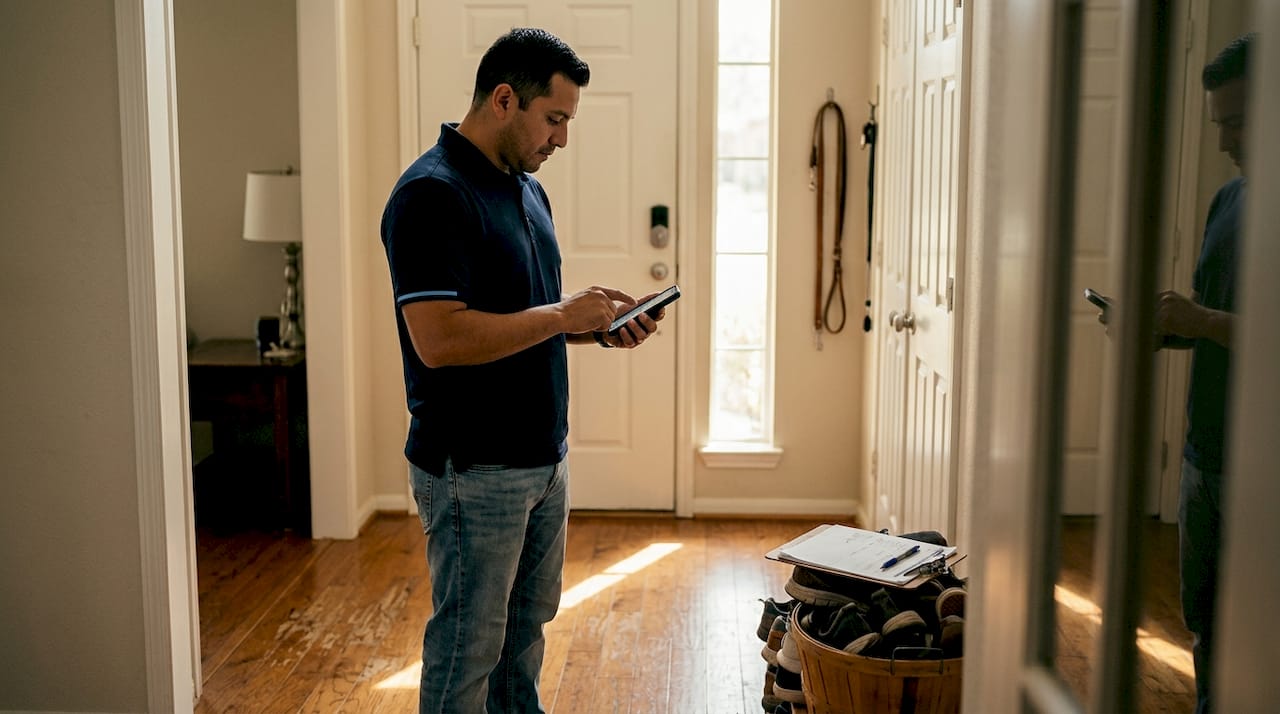
Consider what rework actually costs. When a contractor misreads a spec or installs something in the wrong location because of a miscommunication, someone has to pay to fix it. In Texas, where labor costs and material prices have risen steadily, rework on a mid-size bathroom remodel can easily add thousands of dollars to the final bill. Reducing rework by even 16% on a $25,000 project saves $4,000. That’s a meaningful number.
Beyond the headline metrics, apps deliver several less obvious savings:
- No lost paperwork. Every document, photo, and message is stored digitally and searchable. You’re not hunting through email chains six months later.
- Less stress. Knowing exactly where your project stands at any moment reduces the anxiety that comes with large financial commitments.
- Lower dispute risk. Clear records mean fewer he-said-she-said situations when disagreements arise.
- Faster decision-making. When you can approve a change order from your phone in two minutes instead of waiting for a callback, the project keeps moving.
- Better contractor accountability. When contractors know their work is being documented in real time, quality tends to improve.
You can review project management insights to understand how structured tracking directly supports better outcomes before your project even begins.
Cautions, limitations, and Texas-specific nuances
Even with impressive results, no system is perfect. Here’s what Texas homeowners need to know about the limitations of mobile apps before they assume technology solves everything.
First, not every contractor is ready for digital collaboration. Smaller firms and solo tradespeople often lack the time or budget to learn new software. Research on mobile apps in construction confirms that apps standardize processes and reduce errors, but smaller firms face real training and cost barriers that can slow adoption or lead to inconsistent use. If your contractor uses the app halfway, you lose most of the benefit.
Second, information overload is a genuine risk. Some platforms generate so many notifications, reports, and data points that homeowners feel buried rather than informed. AI-assisted estimating is useful, but it still requires accurate inputs. If your contractor enters incorrect measurements or uses outdated pricing, the AI estimate will be wrong. Technology amplifies what you put into it.
Third, digital records are significantly stronger than paper in Texas contract disputes. Courts and mediators find timestamped logs, photo records, and digital approval chains far more credible than handwritten notes or verbal agreements. This is one area where apps genuinely protect you in ways paper cannot.
Pro Tip: Before you commit to a specific app, confirm that your contractor is comfortable using it. Ask them directly. A contractor who struggles with the platform will create more confusion, not less. The best app is the one both parties will actually use consistently throughout the project.
Here are four scenarios where apps may not fully replace human interaction or traditional paperwork:
- Complex permit processes. Texas municipalities often require physical permit applications and on-site inspections that apps can’t replace.
- Multi-contractor coordination. When a general contractor manages multiple subcontractors who each use different systems, data can become fragmented.
- Emergency repairs. When a pipe bursts or a roof fails after a storm, speed matters more than documentation. Handle the emergency first, then document.
- Final walkthroughs. No app replaces a thorough in-person walkthrough at project completion. Use it to supplement, not substitute, that conversation.
The BidWolf platform accounts for these realities by connecting you with contractors who are already experienced in digital project management, reducing the learning curve on both sides.
The smarter path: match your process to your project
Here’s the perspective that most articles on this topic skip: the best app in the world won’t help you if you and your contractor aren’t genuinely ready to use it together. We’ve seen homeowners download every top-rated platform, set up elaborate project structures, and still end up frustrated because the contractor checked in once a week and the homeowner didn’t know how to interpret the data they were seeing.
Technology is not a substitute for clear agreements made before work begins. Apps amplify whatever process you already have. If your process is solid, apps make it faster and more transparent. If your process is unclear, apps just create a more organized record of the confusion.
Our recommendation is this: read reviews not just for the app itself, but for how contractors in your area actually use it. Talk to your contractor about which platform they prefer and why. Start with one or two core features, like messaging and photo documentation, before adding time tracking and AI estimating. Build the digital habit gradually.
The homeowners who get the most from these tools are the ones who treat the app as a shared workspace, not a surveillance system. That mindset shift changes how contractors engage with the platform too.
Connect with the right contractor and tools for your Texas project
Ready to put this into action? BidWolf makes it straightforward for Texas homeowners to connect with local contractors who are experienced in digital project management and ready to work through a structured, transparent process.
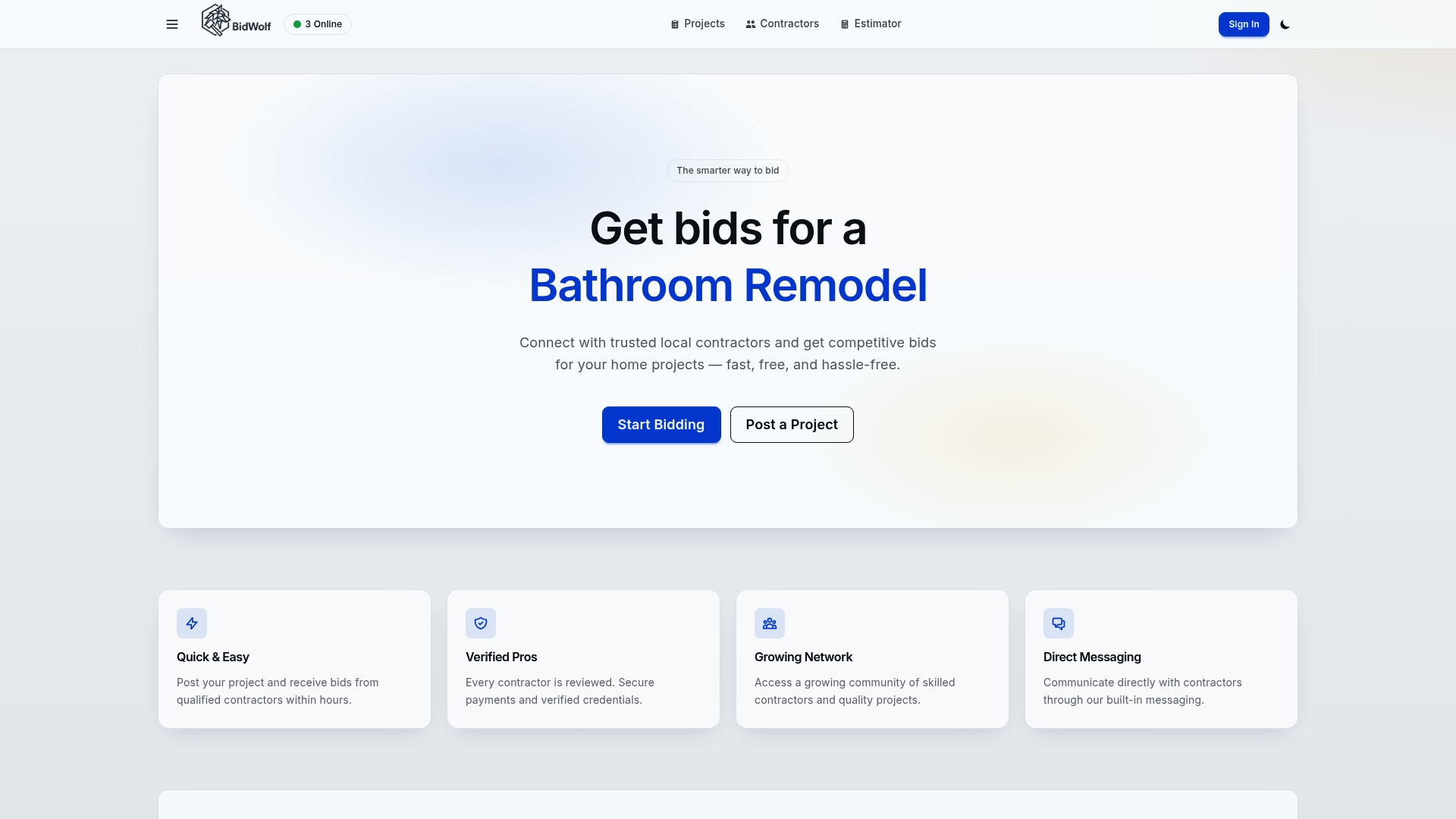
You can find local contractors in your area who are vetted, verified, and familiar with the tools that keep projects on track. Before you post your project, use the cost estimator to build a realistic budget based on your scope and location. Once your project is underway, manage your project directly through the platform to track bids, communicate with contractors, and stay informed at every stage. BidWolf brings the right people and the right tools together in one place.
Frequently asked questions
How do mobile apps give Texas homeowners more control during renovations?
Apps offer real-time updates, task tracking, and messaging functions that let you follow project progress and control approvals or payments immediately. Key apps like Houzz Pro shift leverage to homeowners by centralizing decisions and documentation in one accessible portal.
Can mobile apps help avoid disputes with contractors?
Yes, digital records and logs created by apps provide clear documentation that can be crucial in legal or payment disagreements. Digital records are stronger in disputes than paper because they include timestamps, GPS data, and approval chains that are difficult to dispute.
What is the biggest measurable time-saving from using apps?
Apps can reduce inspection times from over 20 minutes to as little as 5 minutes, with similar savings for project reporting. Field apps reduce inspection time and cut daily reporting from up to an hour down to under five minutes per day.
Are all contractors in Texas ready to use mobile apps?
Not all; smaller firms face training and cost barriers that can limit consistent app use, so confirm digital readiness with your contractor before starting.
Do mobile apps automate material pricing for Texas renovation?
Many top apps integrate with Texas-based suppliers like Home Depot to streamline material estimates. Integrations with QuickBooks and Home Depot for material pricing help contractors build more accurate, current estimates for your specific project location.